
Useful features for your car
Hidden Car Feature Activation
Want the mirrors to fold when you lock the car, the windows to close from the remote, or the lights to stay on briefly after you get out? We check which comfort features your particular vehicle supports and set up the ones you choose. Not everything can be enabled through software alone; some features need extra equipment.
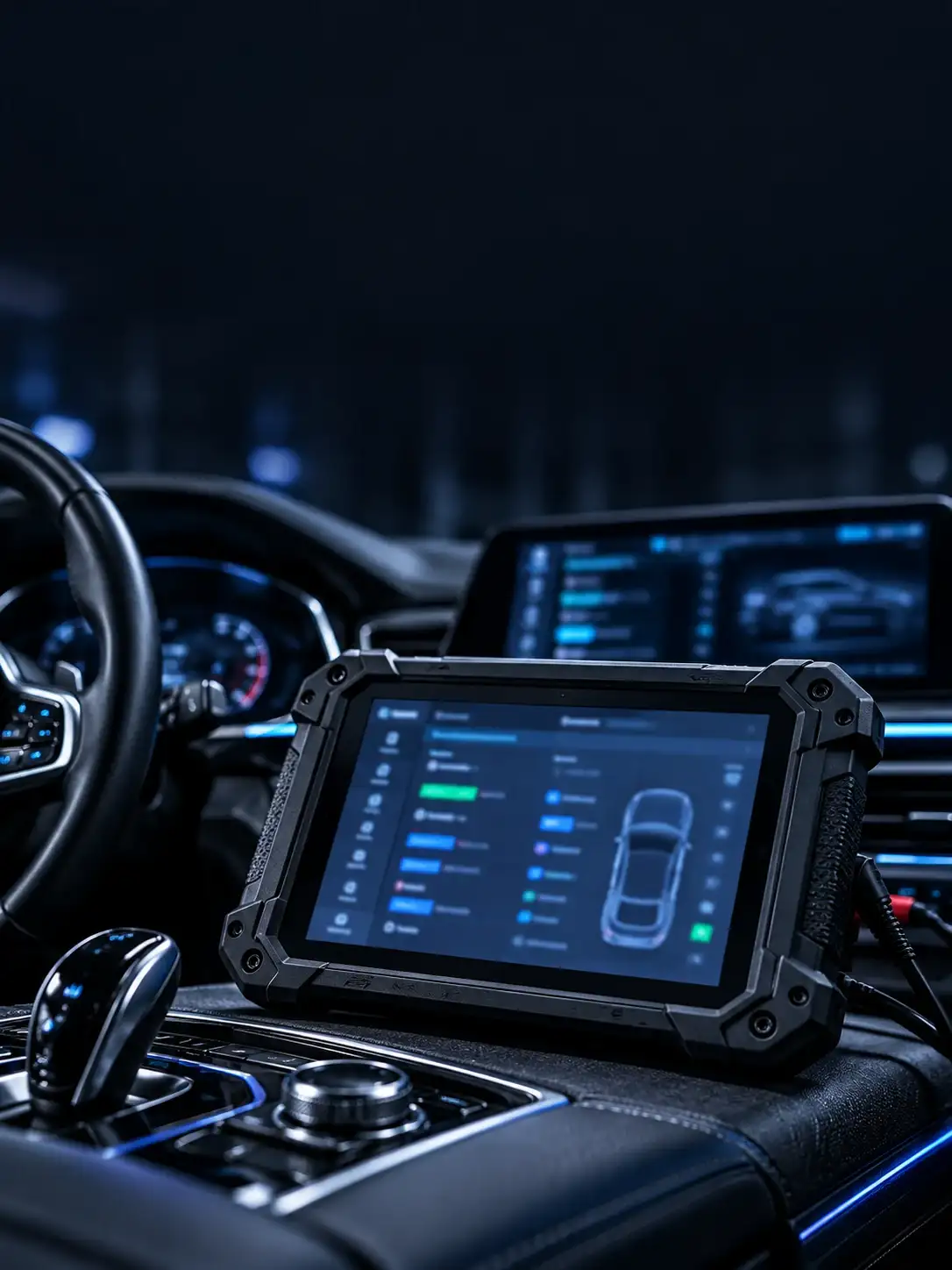
Thematic AI illustration
- 01
Check what your car already has
We connect a diagnostic tool and check the electronic units and equipment fitted to your car. This helps us confirm whether the feature you want is possible.
Show example
VEHICLE EQUIPMENT CHECK$ EQUIPMENT CHECK — EXAMPLE> CONTROL UNITS ...... CHECK> AVAILABLE FEATURES .. ASSESS> COMPATIBILITY ....... CHECK$ demonstration, not vehicle dataroot@diag-lab:~$ ▌VEHICLE EQUIPMENT CHECK$ EQUIPMENT CHECK — EXAMPLE> CONTROL UNITS ...... CHECK> AVAILABLE FEATURES .. ASSESS> COMPATIBILITY ....... CHECK$ demonstration, not vehicle dataroot@diag-lab:~$ ▌ - 02
Discuss which features are available
We explain what can be enabled with your current equipment. If extra parts are required or a feature is unsupported, we tell you before work begins.
Show example
EXAMPLE — FEATURE ASSESSMENTCORNERING LIGHTSCHECKLIGHTS ON UNLOCKINGCHECKAUTOMATIC DOOR LOCKINGCHECKVIDEO WHILE DRIVINGSAFETY RESTRICTIONSEXAMPLE — FEATURE ASSESSMENTCORNERING LIGHTSCHECKLIGHTS ON UNLOCKINGCHECKAUTOMATIC DOOR LOCKINGCHECKVIDEO WHILE DRIVINGSAFETY RESTRICTIONS - 03
Set up your chosen features
After agreeing what to change, we carry out supported coding. Where possible, we save the previous settings in case they need to be restored.
Show example
EXAMPLE FEATURE SETUP// READY TO RUN
EXAMPLE FEATURE SETUP// READY TO RUN
- 04
Test the features on the car
After the changes, we check that the selected features work correctly and no new warnings have appeared. We explain if further steps are needed.
Show example
CHECK AFTER CODING$ CHECK AFTER CODING — EXAMPLE> CHOSEN FEATURE ..... TEST> WARNING MESSAGES ... CHECK> OTHER CHECKS ........ IF NEEDED$ demonstration, not a vehicle reportroot@diag-lab:~$ ▌CHECK AFTER CODING$ CHECK AFTER CODING — EXAMPLE> CHOSEN FEATURE ..... TEST> WARNING MESSAGES ... CHECK> OTHER CHECKS ........ IF NEEDED$ demonstration, not a vehicle reportroot@diag-lab:~$ ▌
Cornering lights
On suitably equipped cars, the lights can help illuminate the direction in which you turn.
Lights when locking and unlocking
Headlamps or other lights may briefly come on when you lock or unlock the car.
Automatic door locking
Some models can lock the doors automatically once you start driving.
Folding mirrors
Cars with powered folding mirrors and suitable control units may support automatic folding when locked.
Emergency braking lights
Some vehicles can use additional light signals to warn drivers behind during sudden braking.
Comfort indicators
On supported models, we may adjust how many times the indicator flashes after a quick tap.
Gauge movement at startup
Certain instrument clusters can move the needles briefly when the ignition is switched on.
Closing windows from the remote
With suitable equipment and working anti-pinch protection, the windows may be controlled from the car key.
Some features need extra equipment
A setting alone cannot add a missing motor, sensor or control unit.
Incorrect settings can cause faults
We check the exact car and module version before making changes and test connected features afterward.
Restoring old settings can take extra work
We save accessible original settings where possible. On some models, restoring them requires an additional procedure.
Safety comes first
We do not enable functions that conflict with applicable safety rules or lawful road use.
Similar cars may have different options
Two cars of the same model can have different equipment. We confirm support on your particular vehicle.
// SUMMARY: We check what the car supports, agree the settings and test them afterward. We do not change systems in ways that conflict with road safety requirements.
// Features shown are examples. Availability depends on the model year and equipment. Some options require extra parts and cannot be enabled by coding alone.
Other AUTOLAB services
Ready to start the job?
Describe the problem in the contact form — we reply within a day.